
BeEF-xss
If you want to learn how to install BeEF-xss on your Kali Linux Machine using YouTube Go ahead and click on the video on the right! BUT if you want to learn manually scroll down and follow the steps!
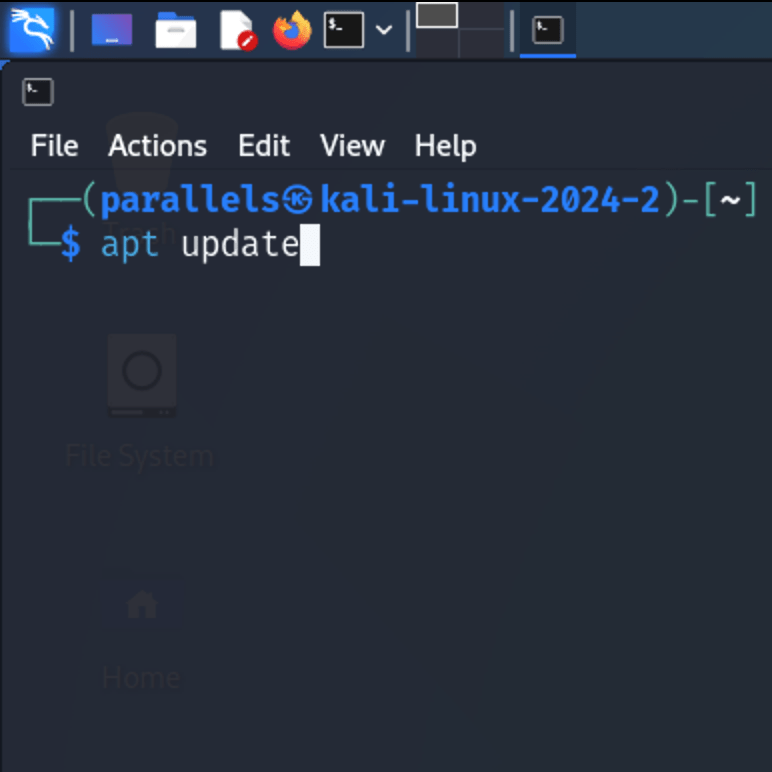
Step 1
Updating
First run “sudo su” to get root user, then run”apt update” to update your machine and click enter.
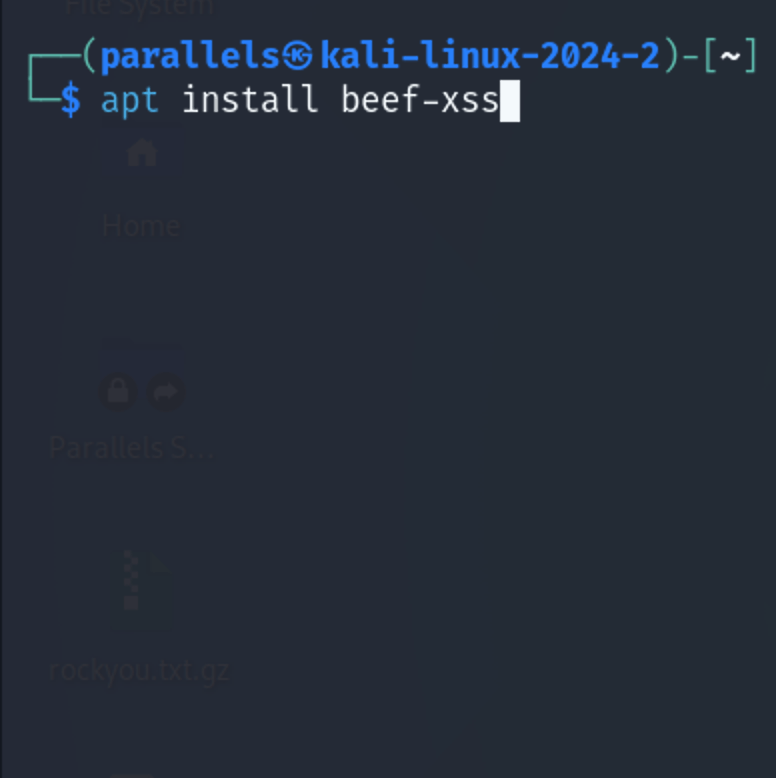
Step 2
Installing BeEF-xss
After that type “apt install beef-xss” and click enter.
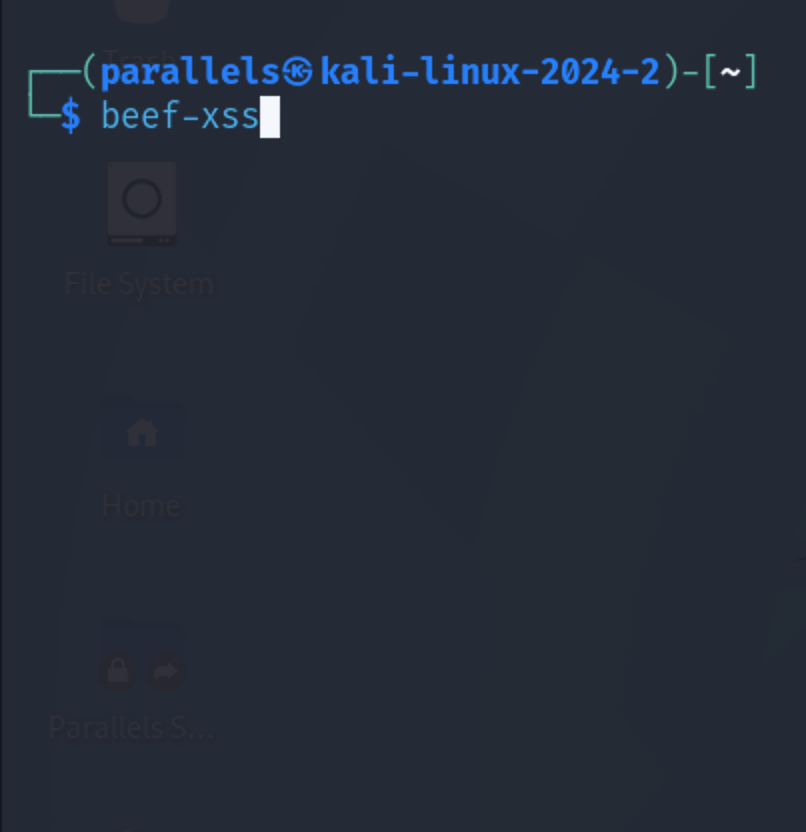
Service 3
Running BeEF-xss
Run “beef-xss”.
 The Covid Hacking Community